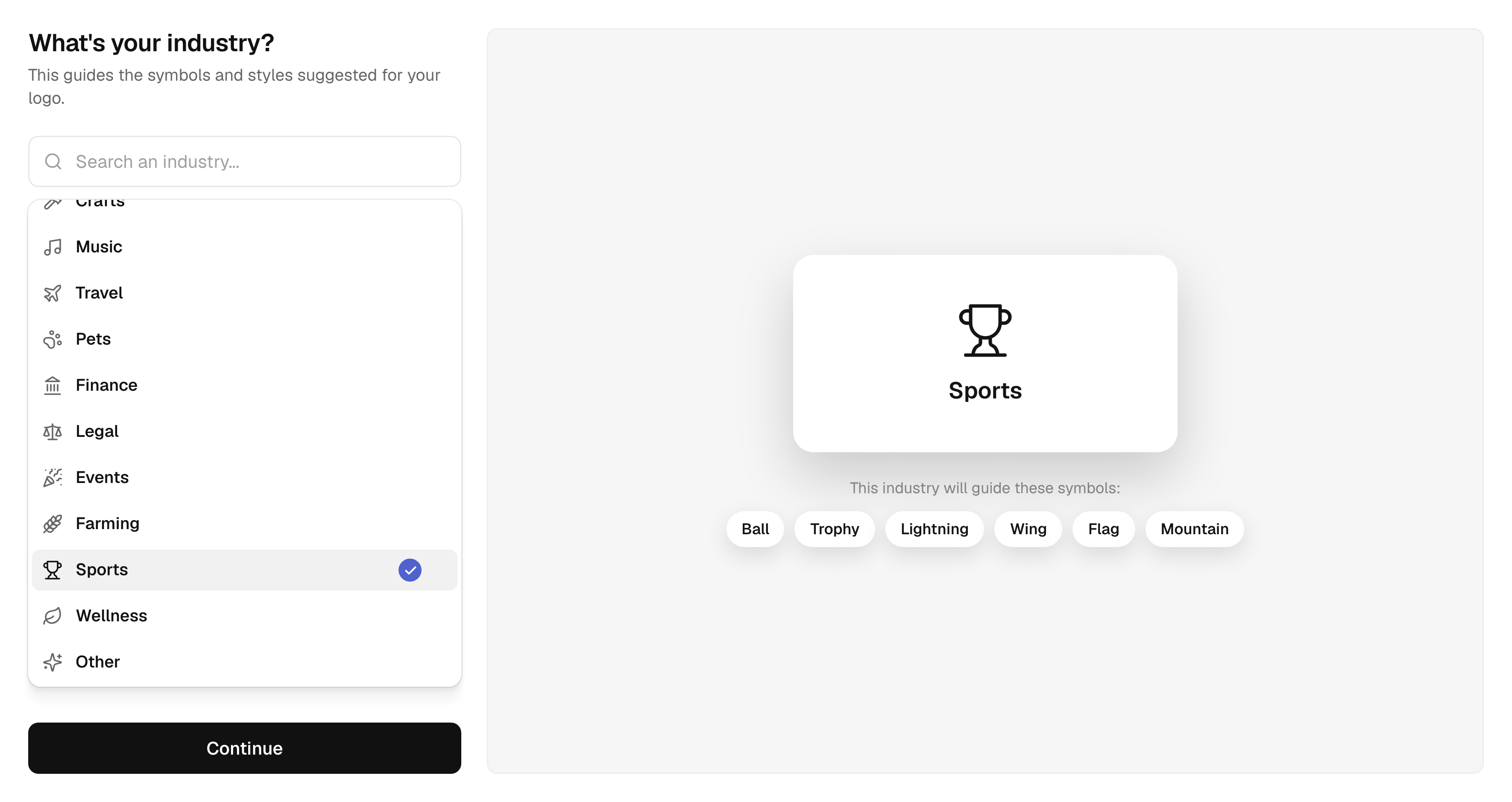
Your industry leads the way
22 industries, each with its own symbol ideas to explore.
Type your name, answer a few questions and get a vector symbol drawn for you. Then refine every detail and see your logo on a business card, a storefront or a tote bag before you download it.
See the questionnaireTHE QUESTIONNAIRE
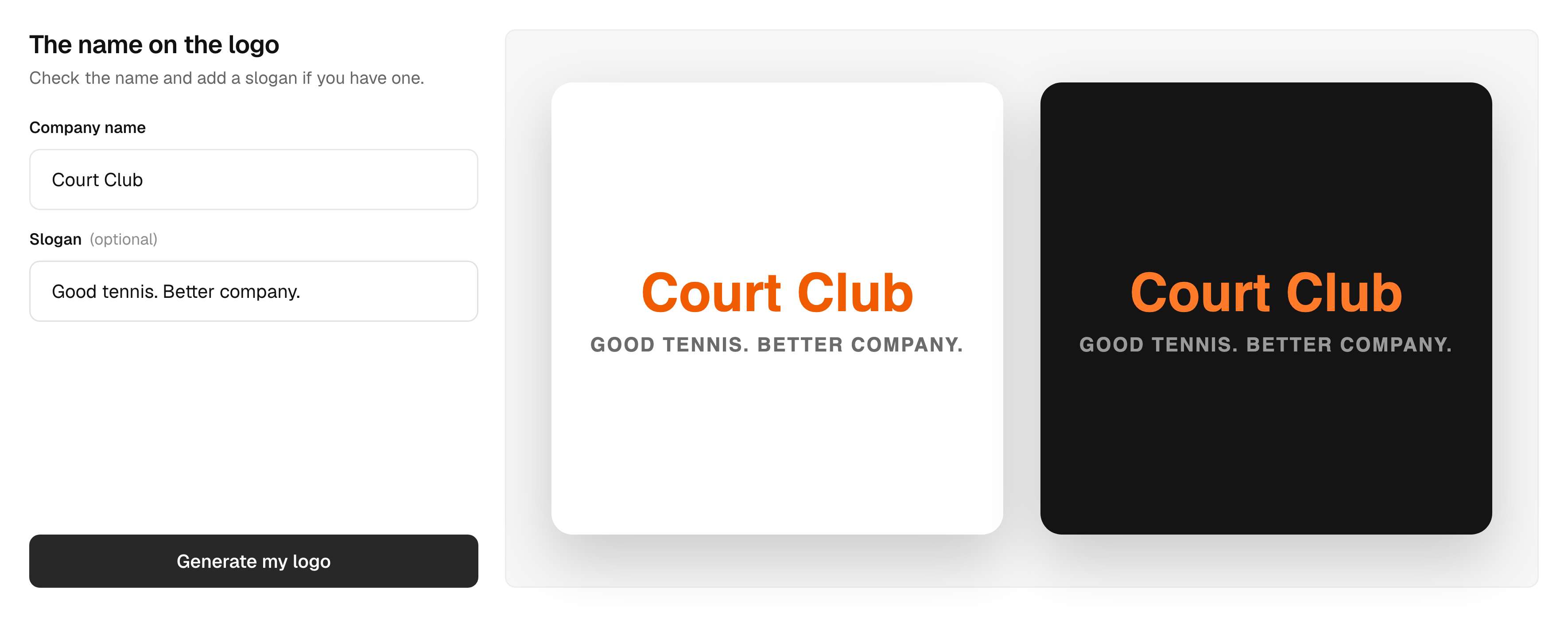
Your name, your industry, your styles, your colors and the symbols you like. Your answers shape the logo, and they are kept as you go.
22 industries, each with its own symbol ideas to explore.
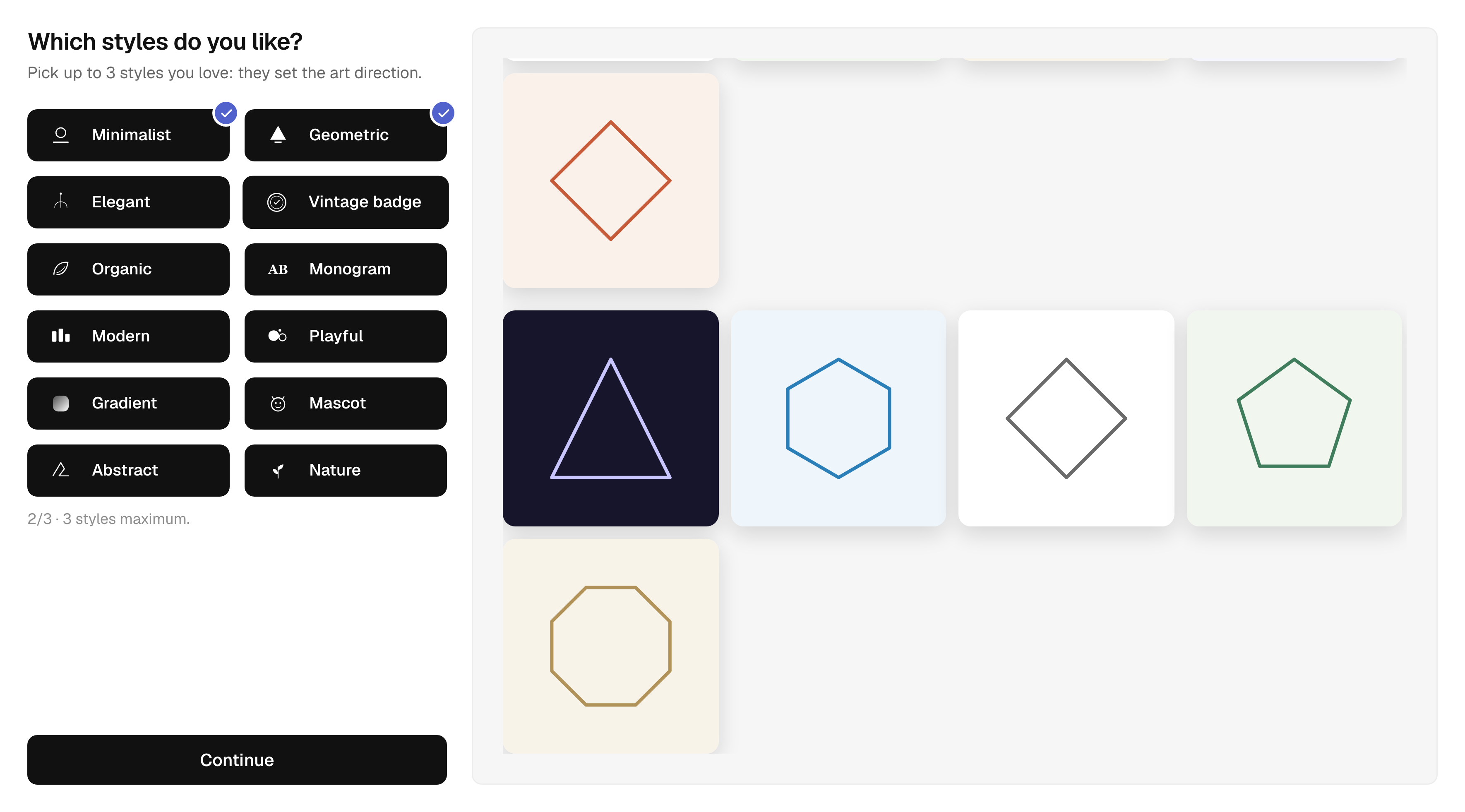
12 styles, from minimalist to vintage badge. Keep the ones that speak to you.
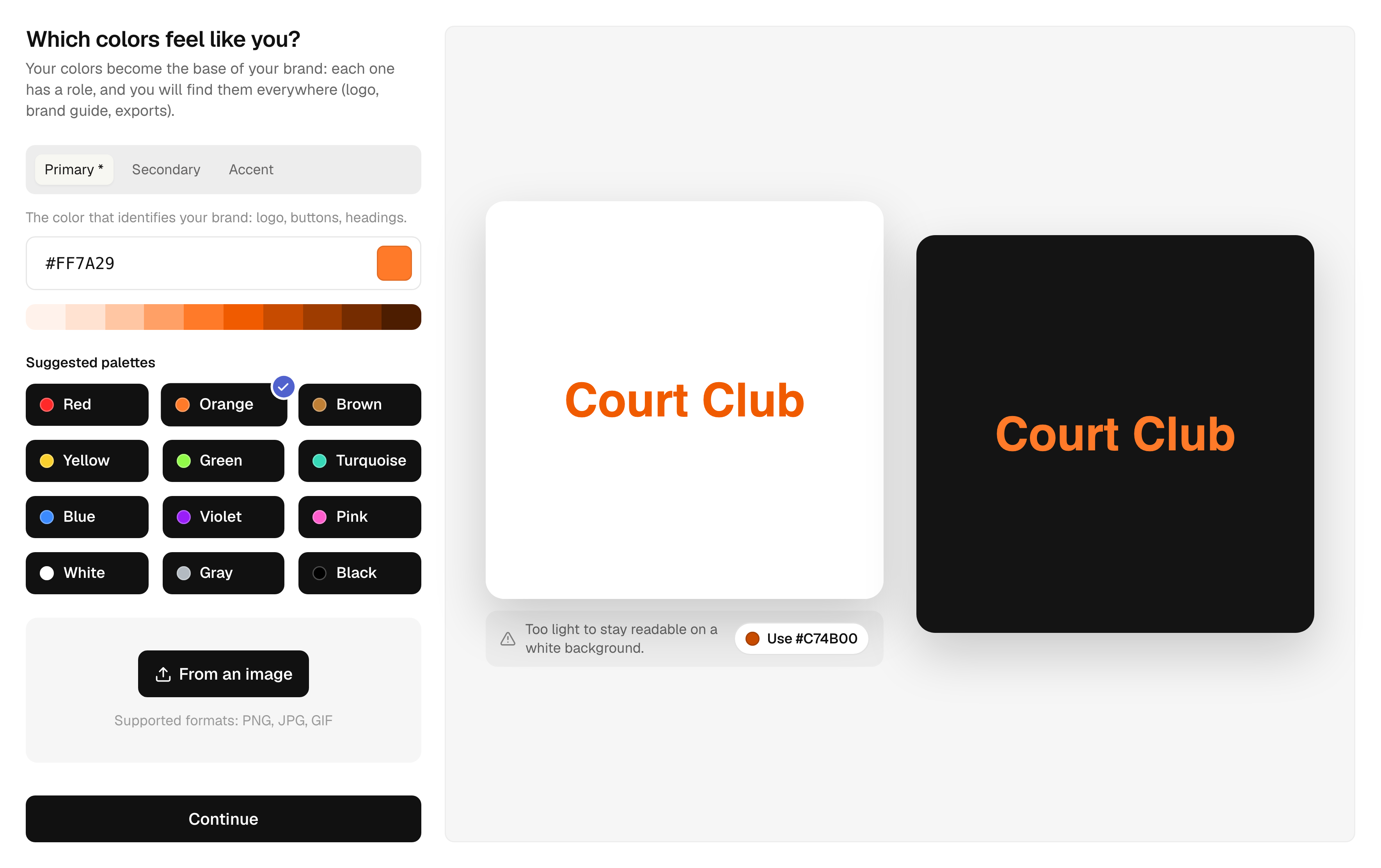
A primary color, a secondary and an accent. Suggested palettes, a color picked from your own image, and a warning when a color is hard to read.
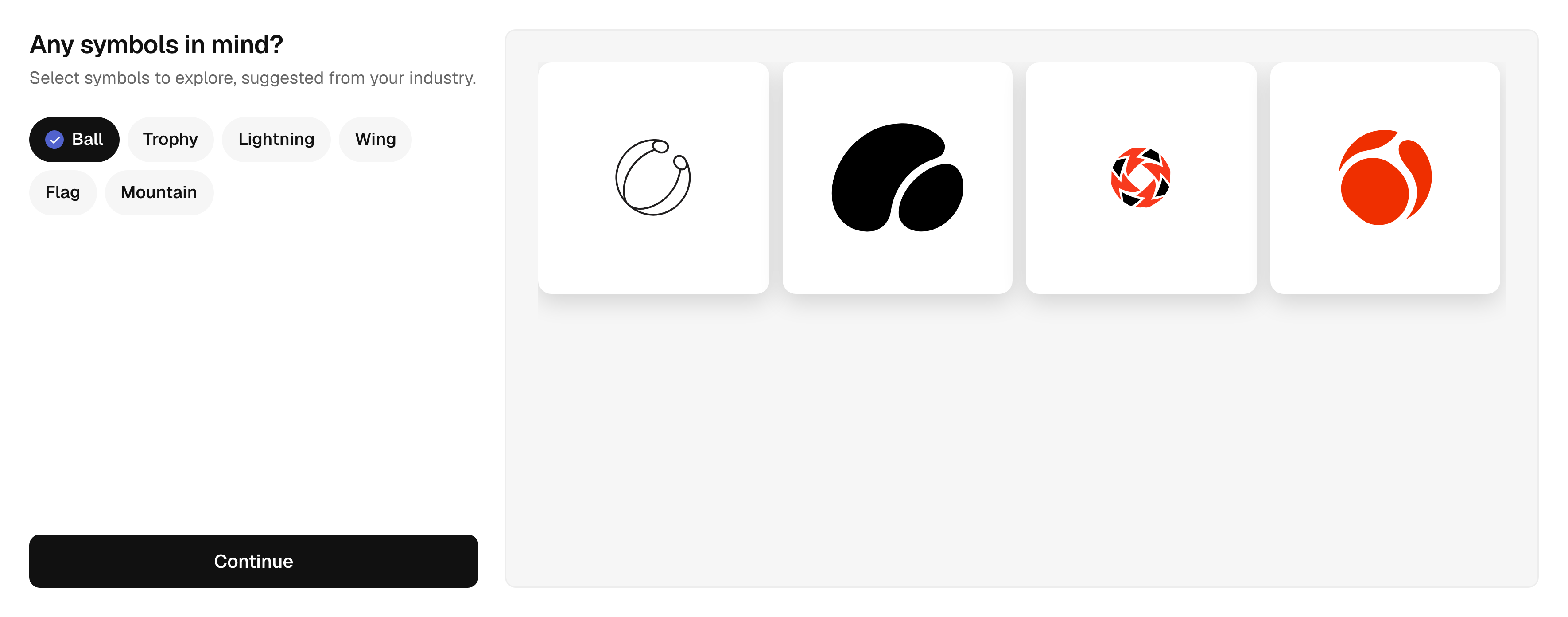
Pick the ideas you like and preview matching symbols right away.
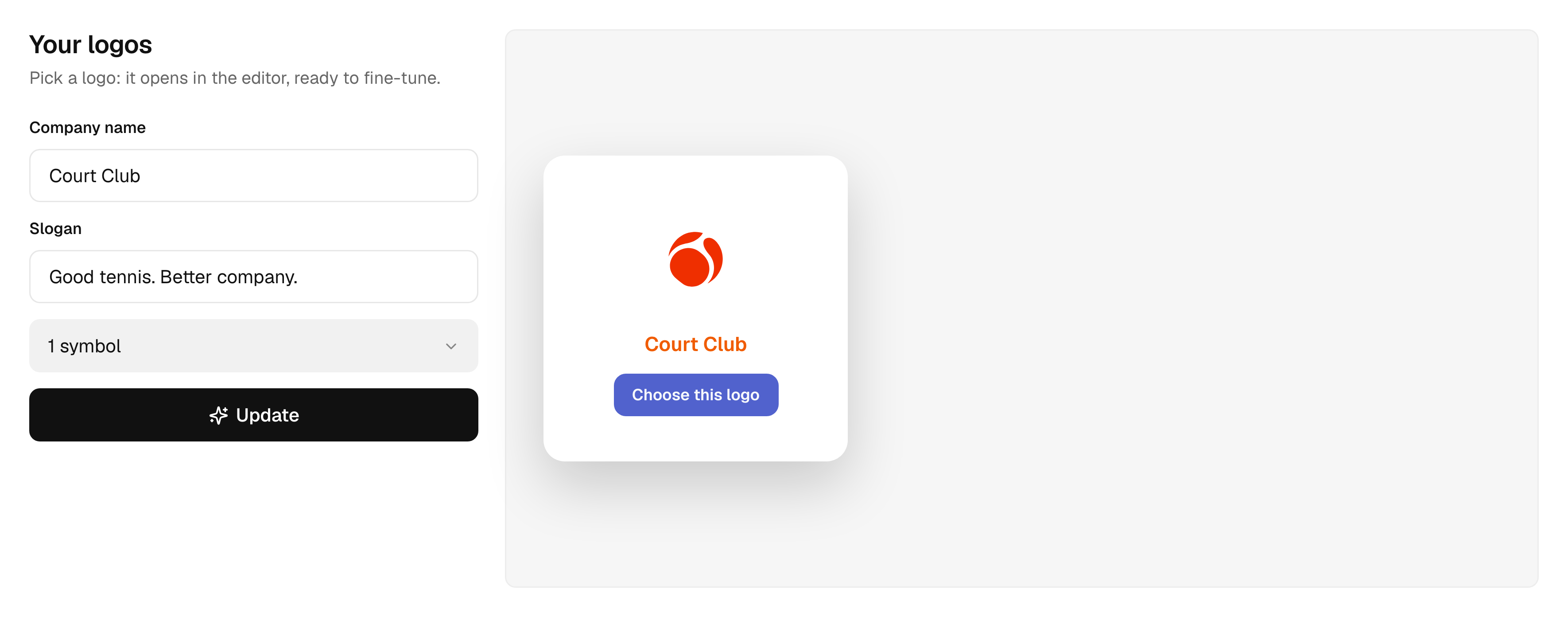
The AI draws a symbol, never letters – your name is set in real fonts. Choose it and it opens in the editor.
THE EDITOR
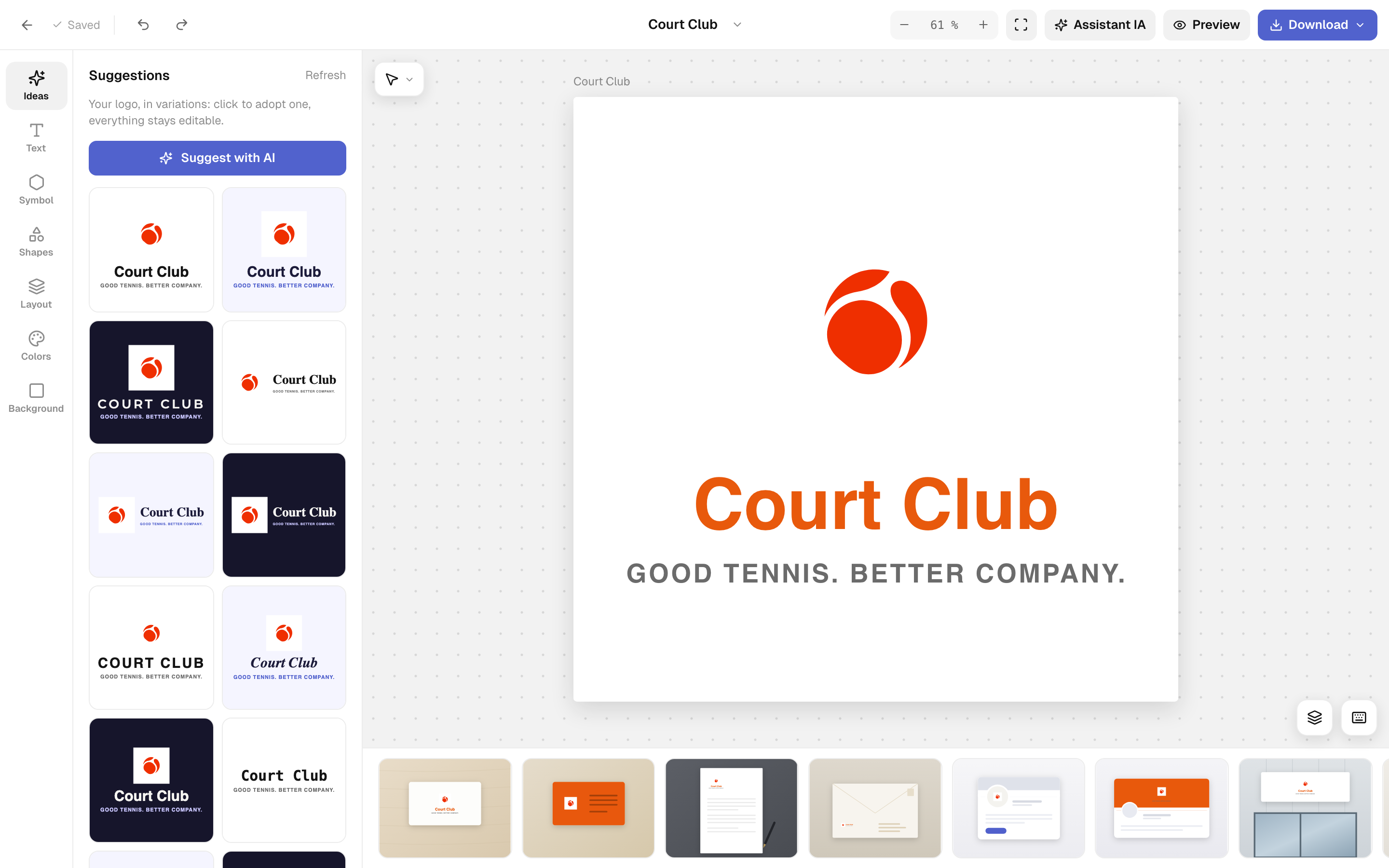
Your logo opens ready to refine. Change the name, the layout, the colors or the symbol, and see the result right away.
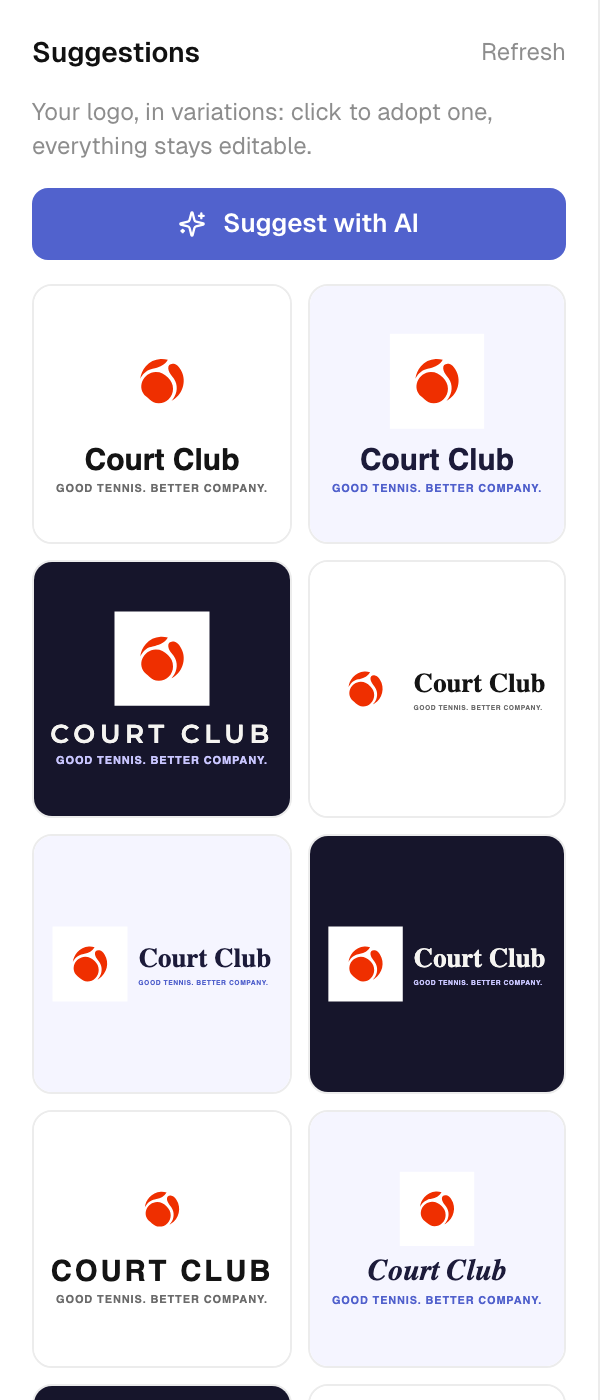
Your logo in several layouts, palettes and fonts. Click one to adopt it – everything stays editable. Or ask the AI for six tailored directions.
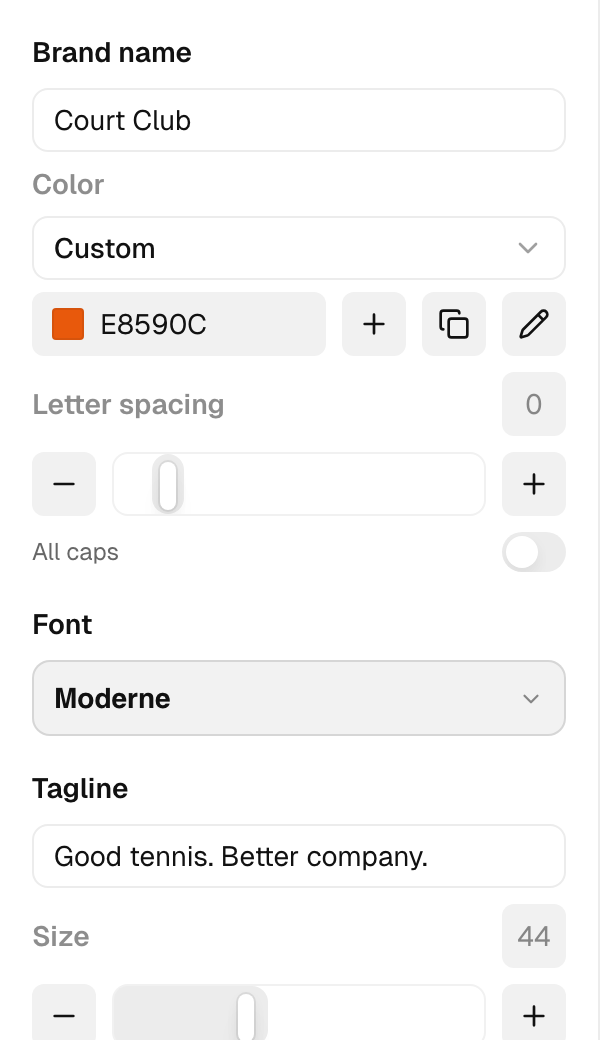
10 fonts or your own, letter spacing, all caps, a tagline and its size.
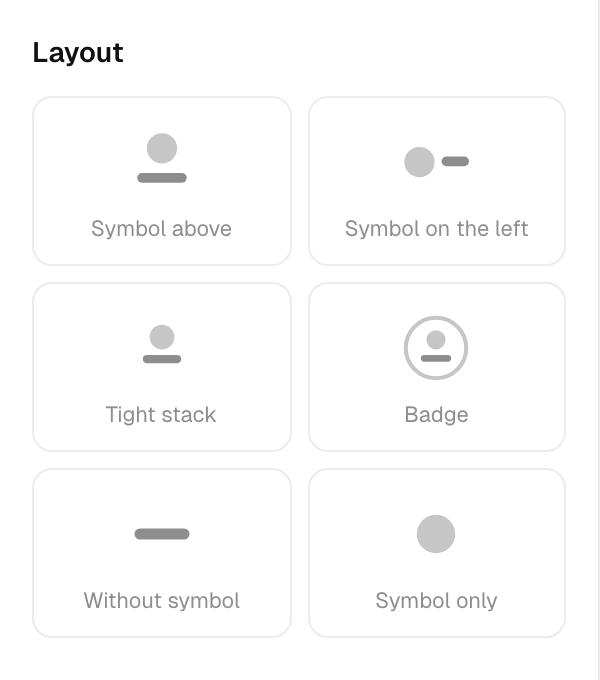
Symbol above or on the left, a tight stack, a badge, the name alone or the symbol alone.
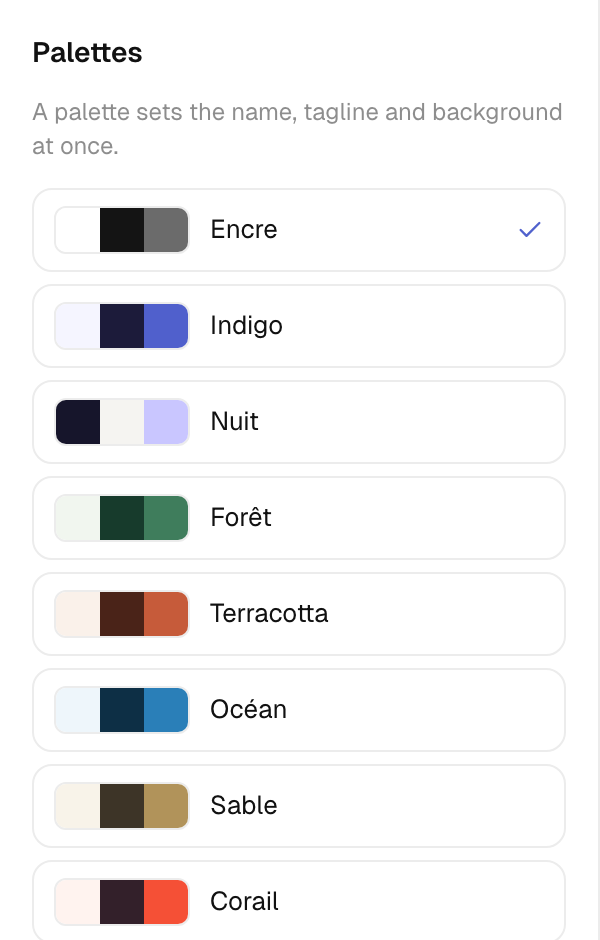
One click sets the name, the tagline and the background together. Or choose each color yourself.
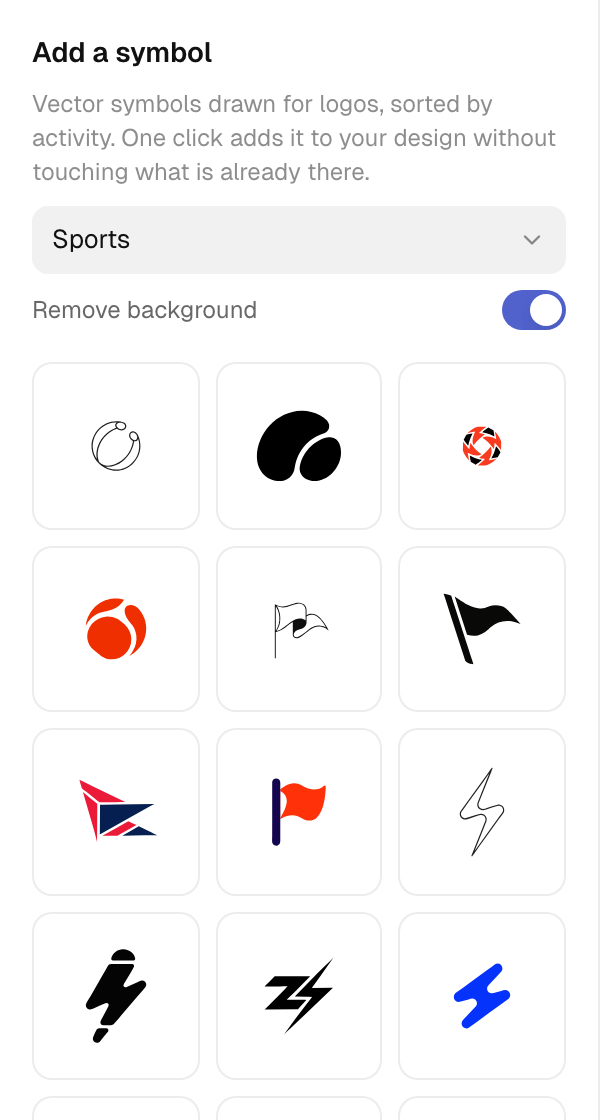
A library sorted by industry, with or without background. Browsing it uses no credit.
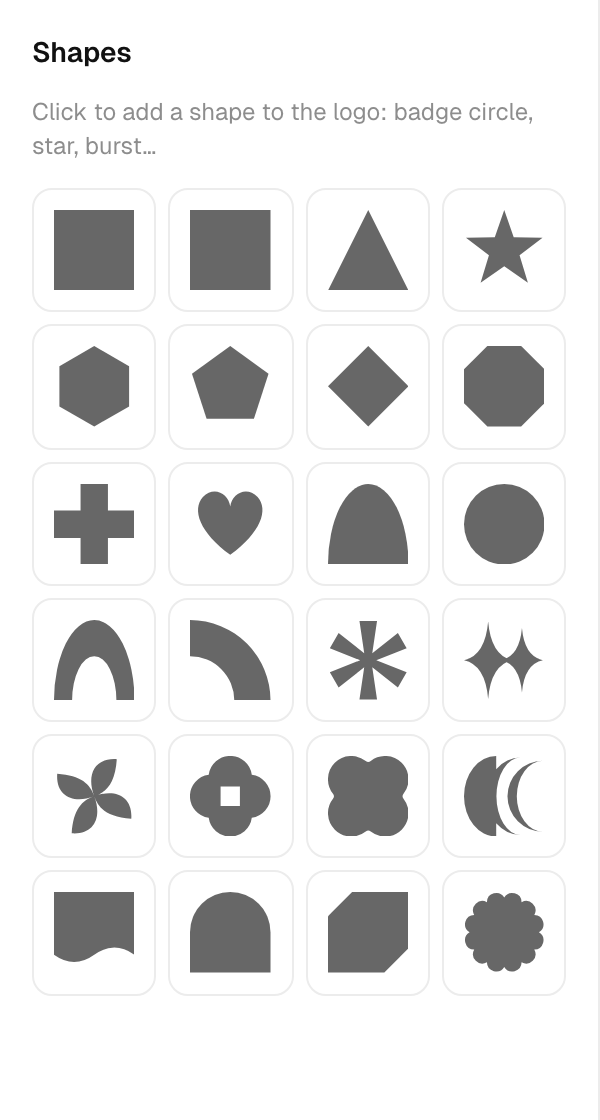
Circles, badges, frames and more, each with its fill, outline, corners and opacity.
One switch, and your logo sits on any color.
Set the frame size once, the whole design follows.
The fonts you uploaded to Sesame appear next to the built-in ones.
MOCKUPS
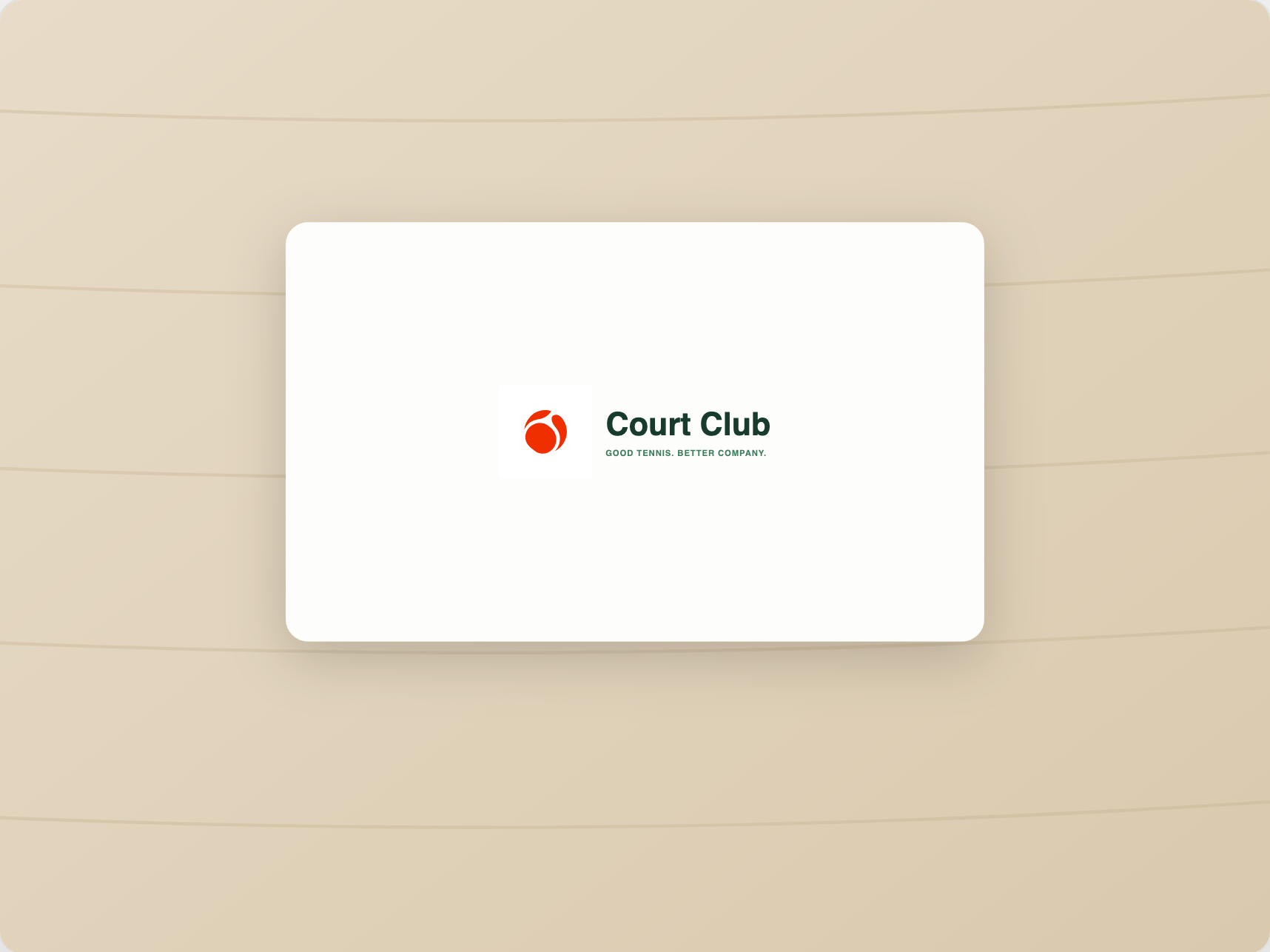
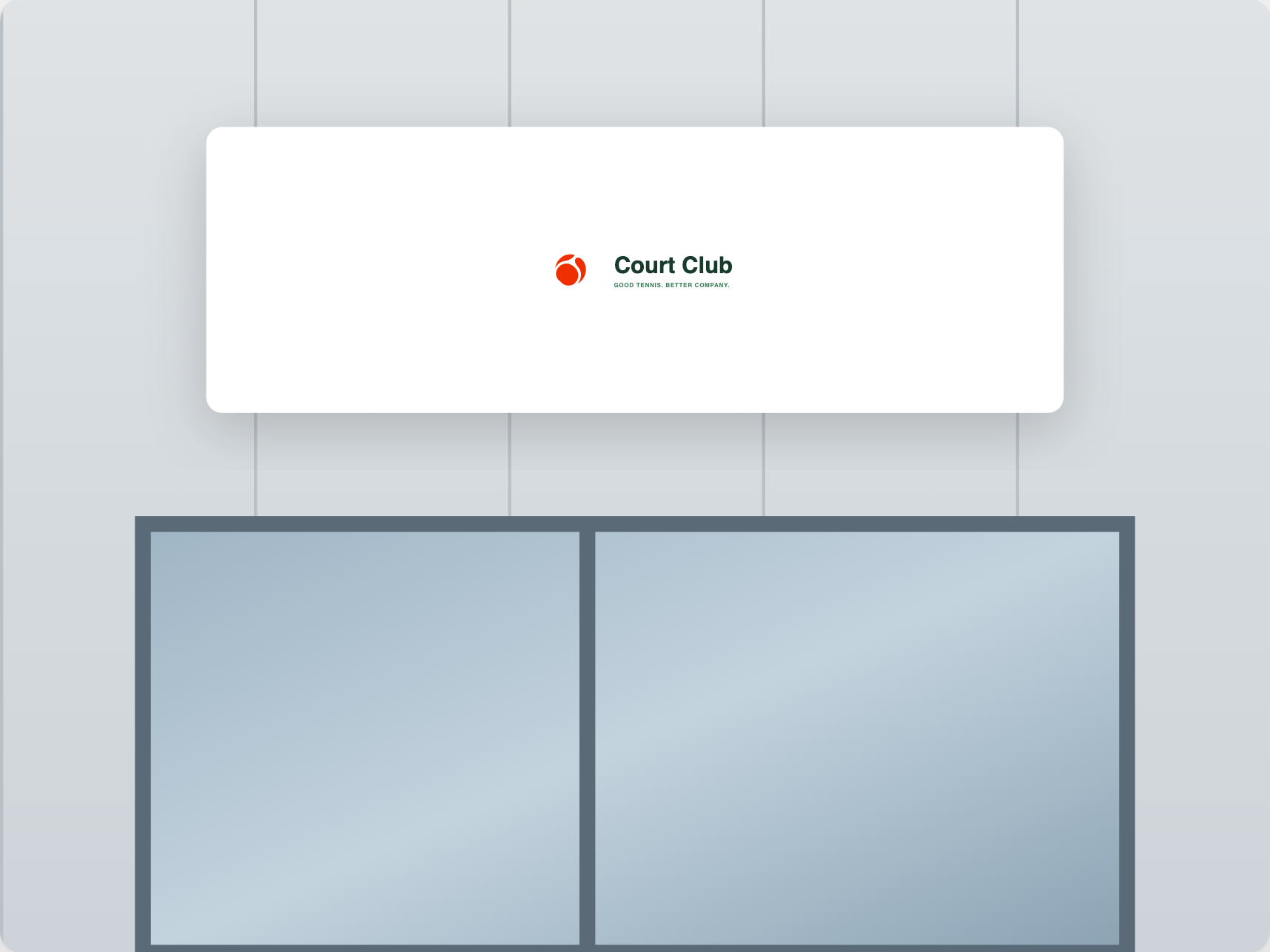
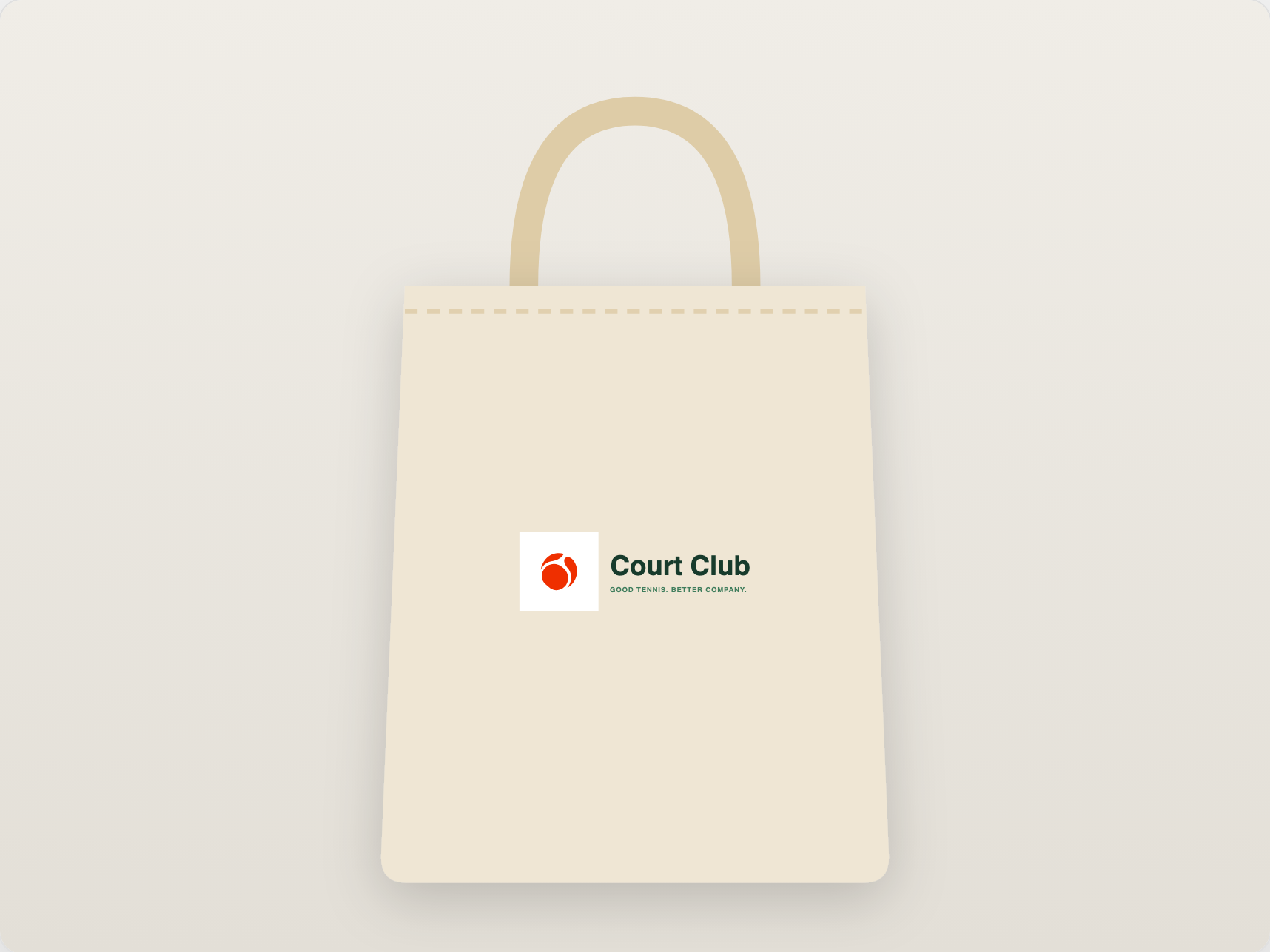
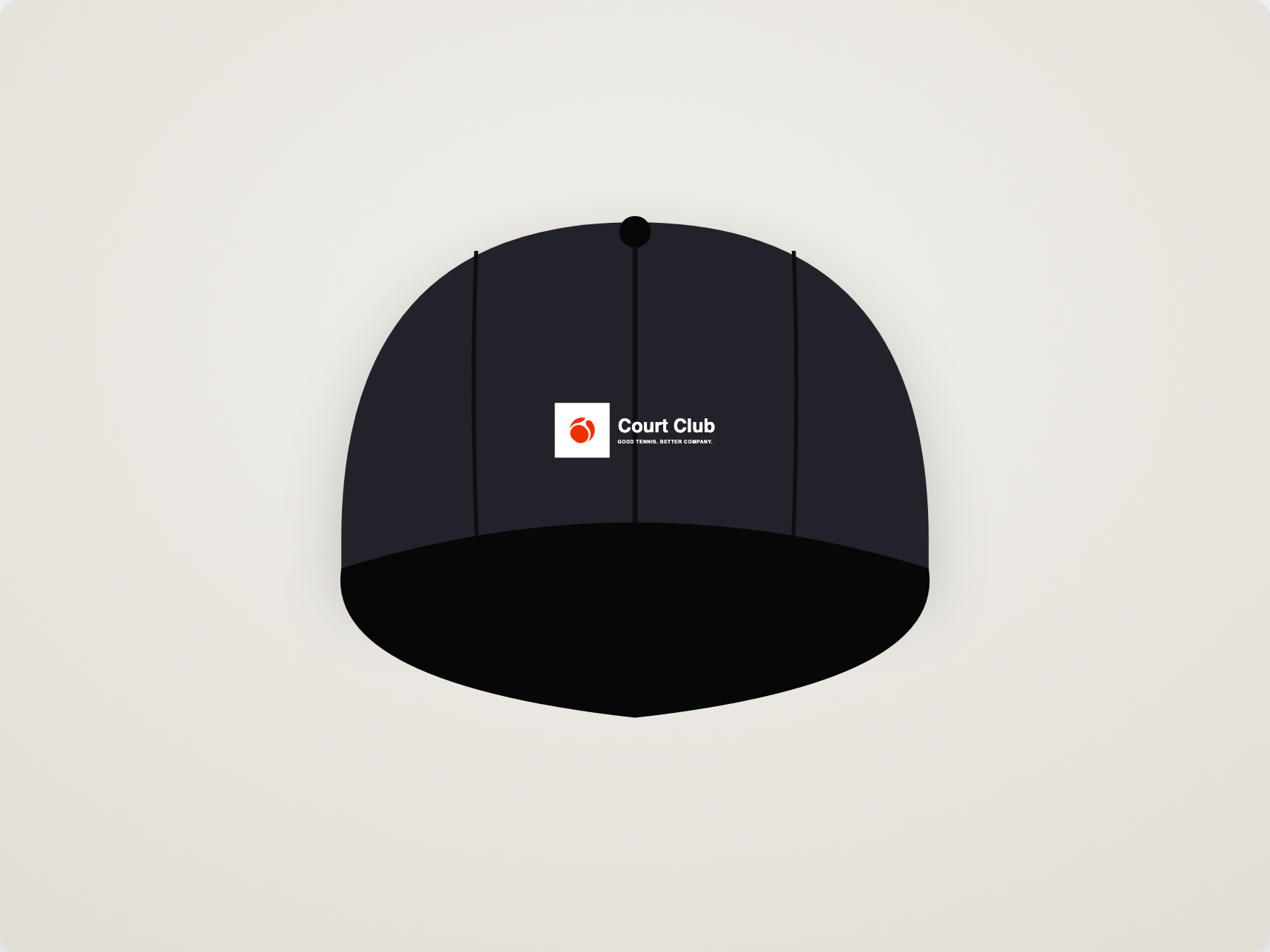
Business card, letterhead, storefront, tote bag, T-shirt, cap, packaging, app icon… 14 scenes follow every change you make. Download one, or all of them in a single ZIP.
AI, IF YOU WANT IT
From your answers, the AI draws a vector symbol, without any letters – your name stays in real fonts. In the editor, the AI assistant creates or reworks a symbol from a simple description.
EXPORT
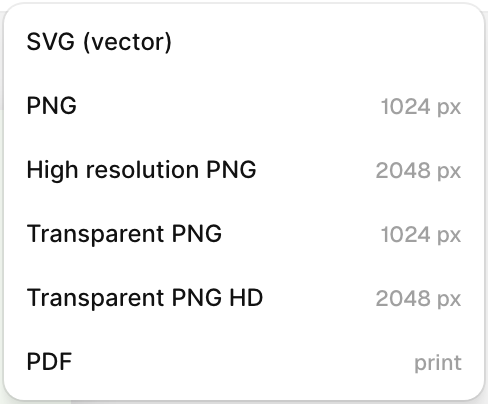
Vector SVG, PNG at your frame size, high-definition or transparent PNG, and PDF for print. Your files, yours to keep.

THE DETAILS
Reshape the symbol curve by curve, like in a design tool.
Split the symbol into separate shapes and recolor each one.
Show, hide, lock and reorder every element.
Select several elements and line them up in one click.
Try freely, you can always go back.
Move, direct selection, hand and pen – each one key away.
Your logo is saved automatically while you work.
Your workspace keeps its latest generated symbols, ready to reuse.
WHAT YOU GAIN
No blank page, no brief to write. Seven questions and your logo takes shape.
A symbol drawn for your answers, your name in your fonts, your colors.
You see your logo on cards, signs and clothes before spending a cent on printing.
Vector SVG and print-ready PDF, for your printer, your website and your social accounts.